Don't Miss Your Moment. See your day's plans on your homescreen.
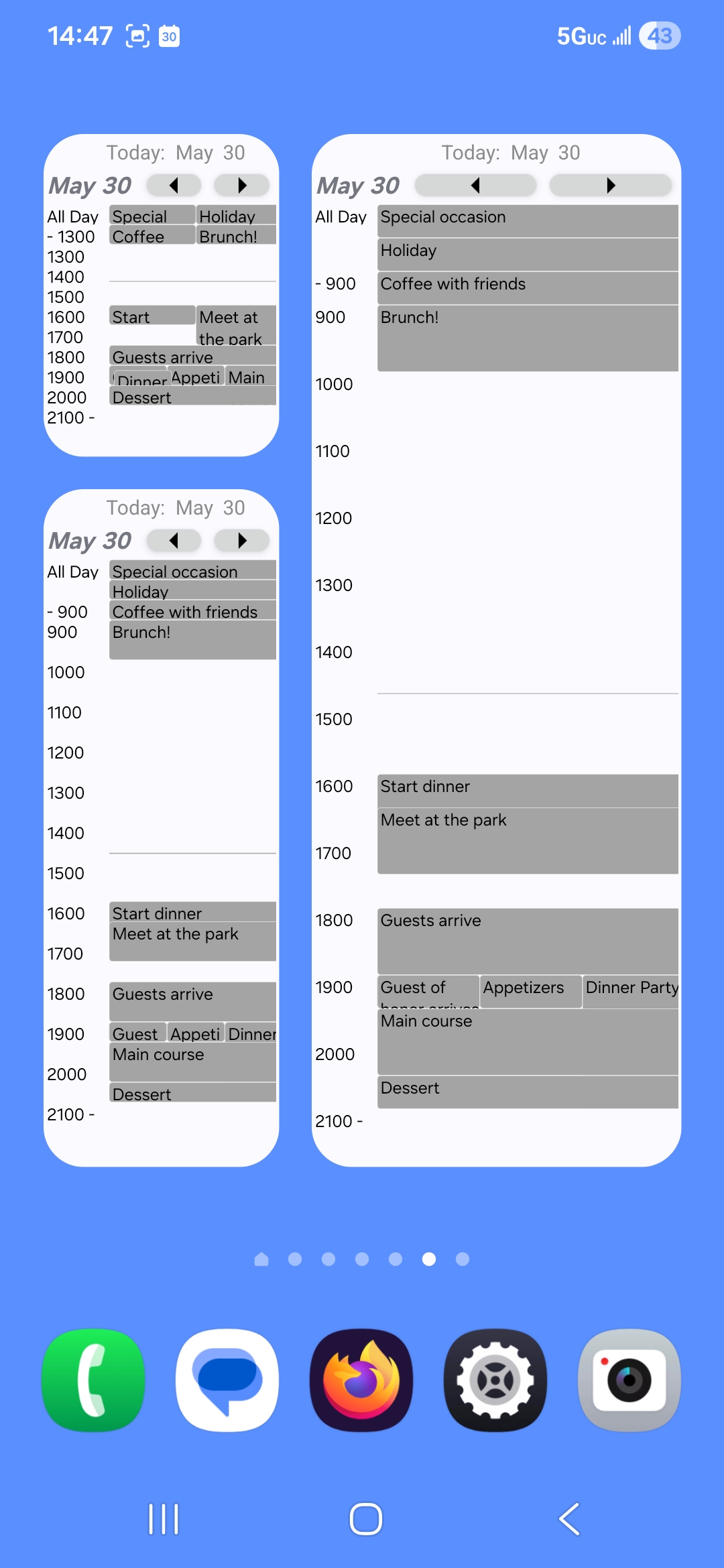

Complements your existing android calendar
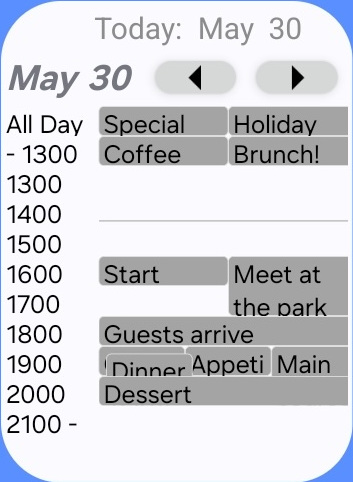
The widget is a view of your existing calendar. When you tap the widget, it will open your full calendar.
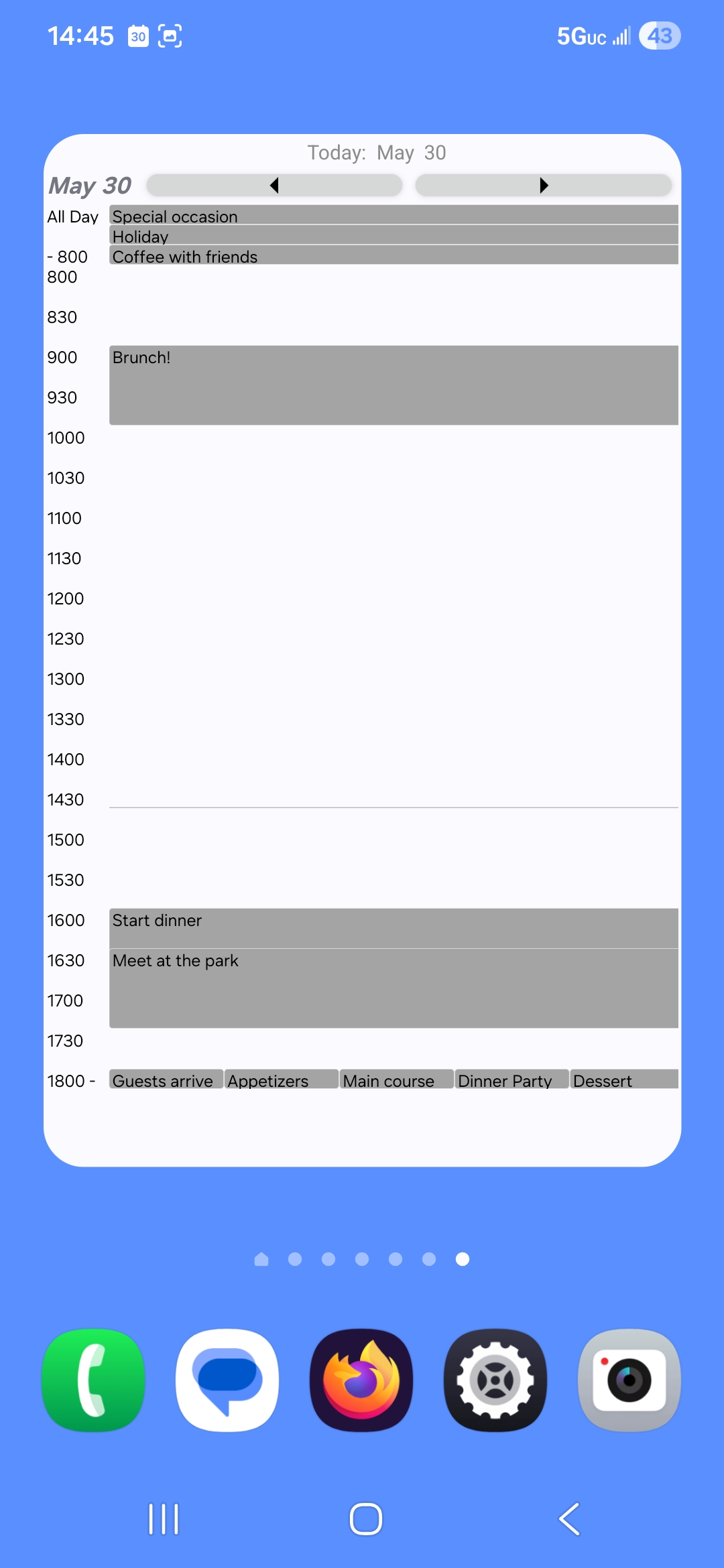
Pick a Scale
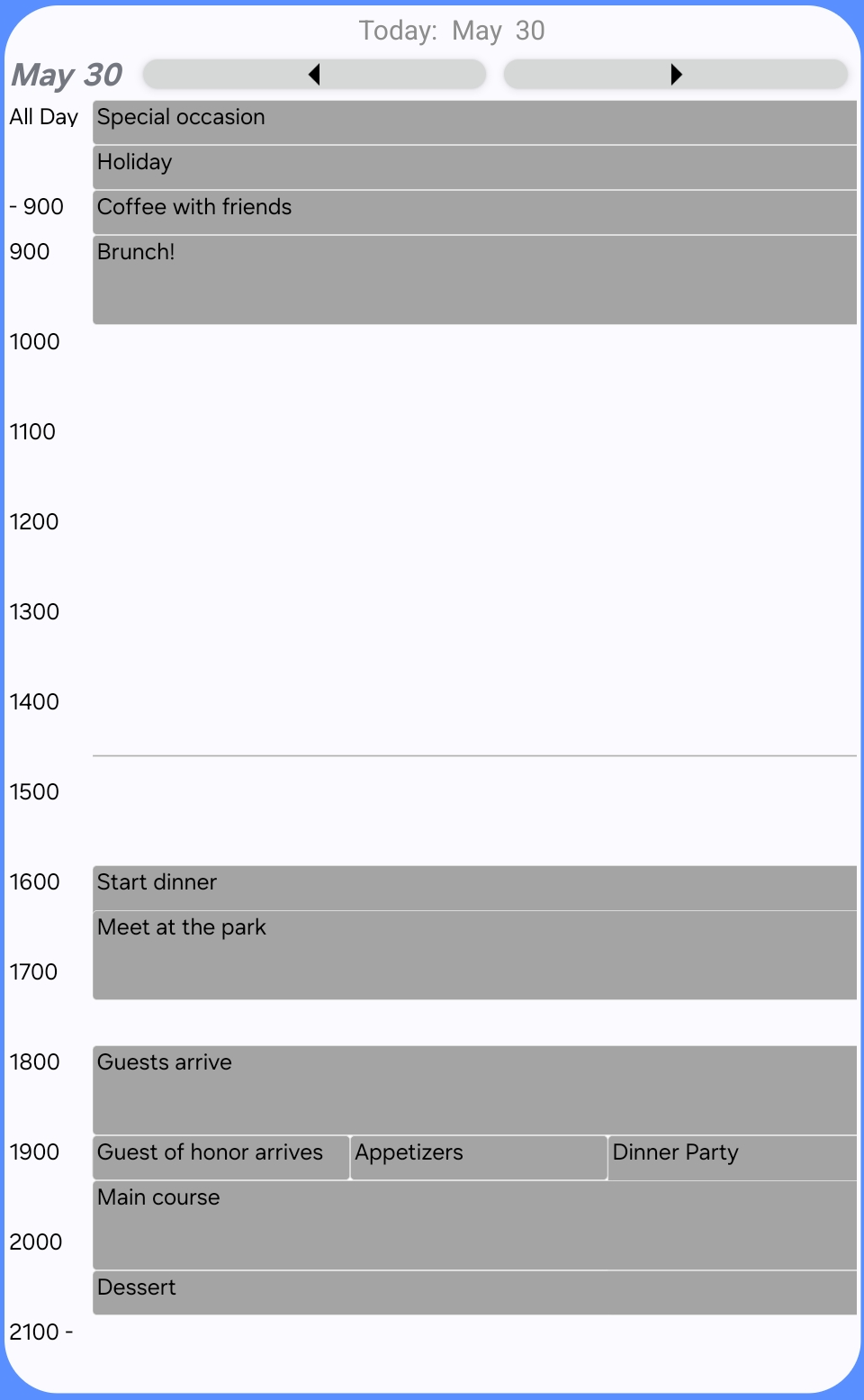
See an hour by hour summary of your whole day with just a 2x2 widget or get a more detailed view by expandiing the widget.
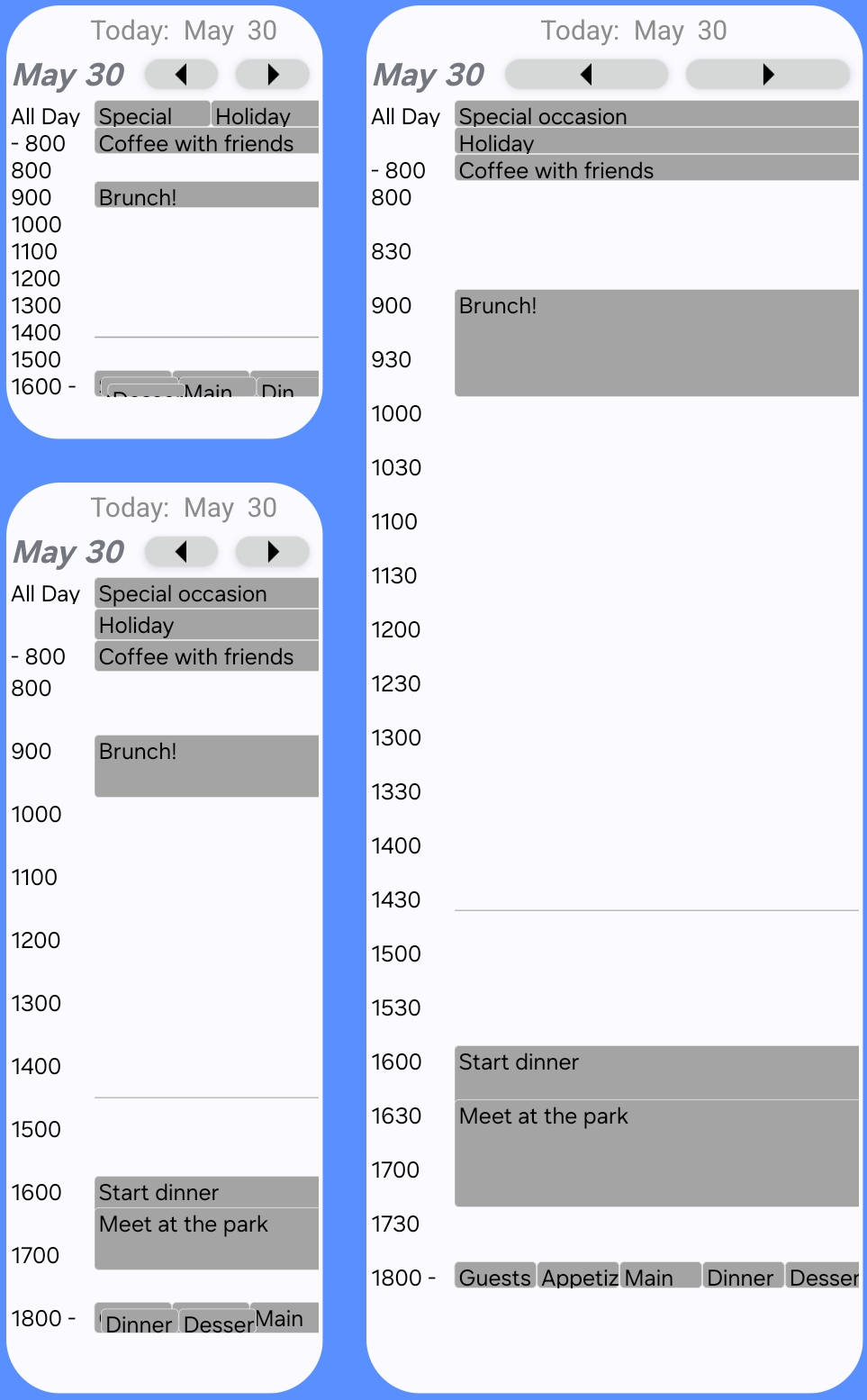
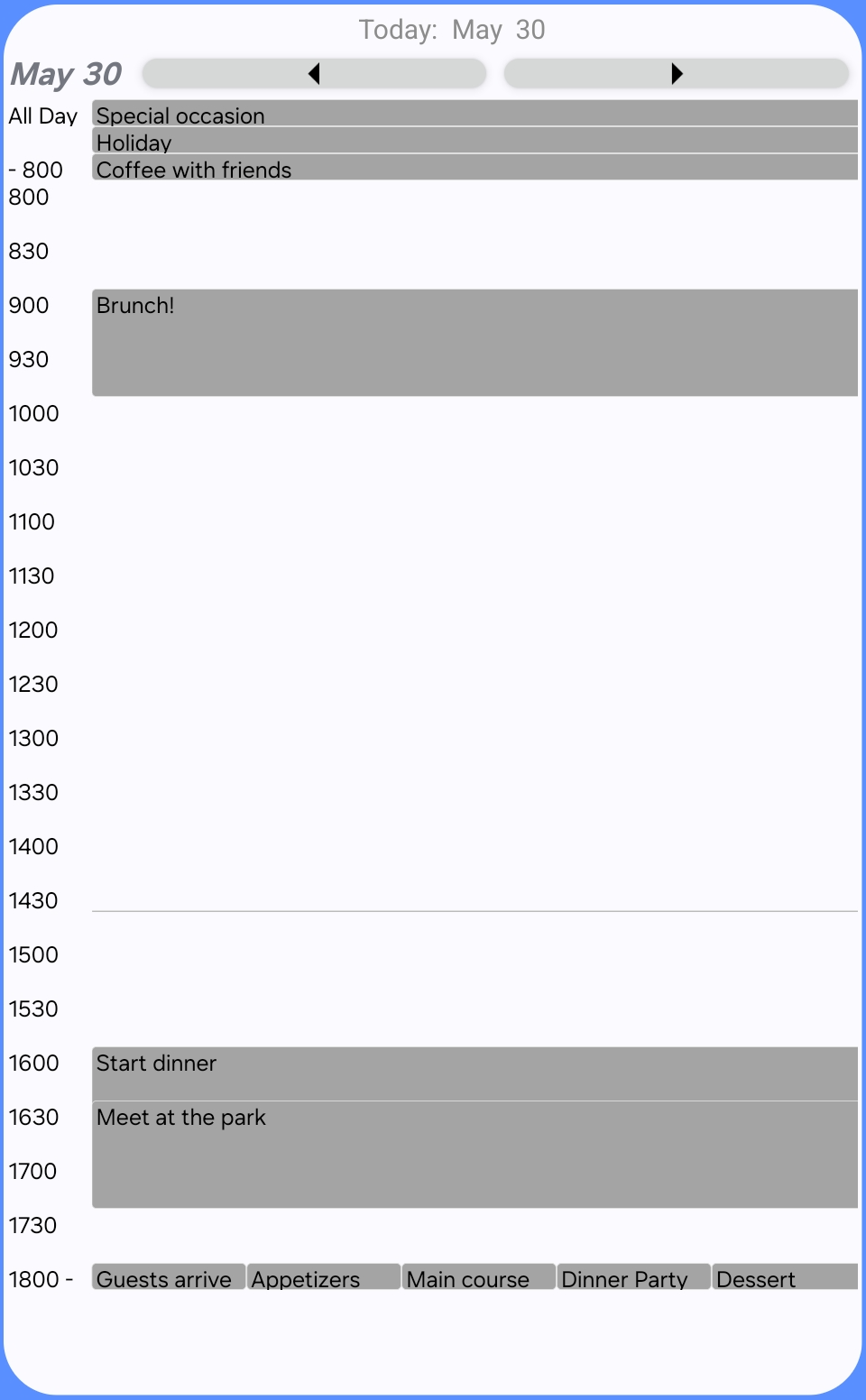
Pick the Start and End Time
Configure the start and end times to see a detailed view for your core day and a summary of events before and after your core day. Use multiple widgets with different configuration to see multiple views of your day.
Pick the Conflict Display
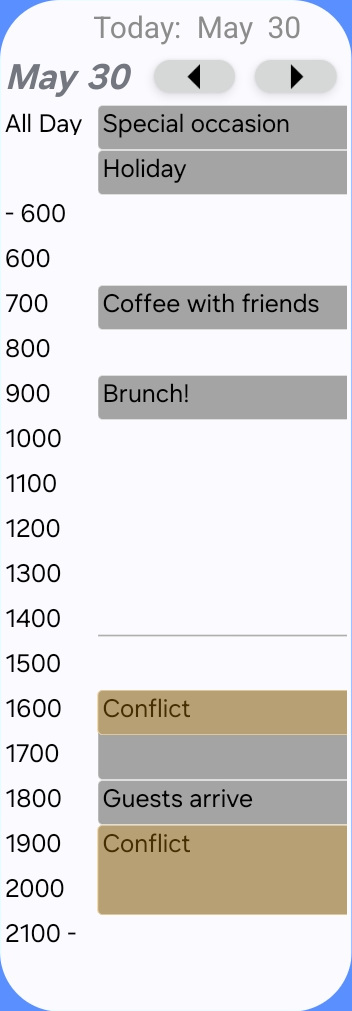
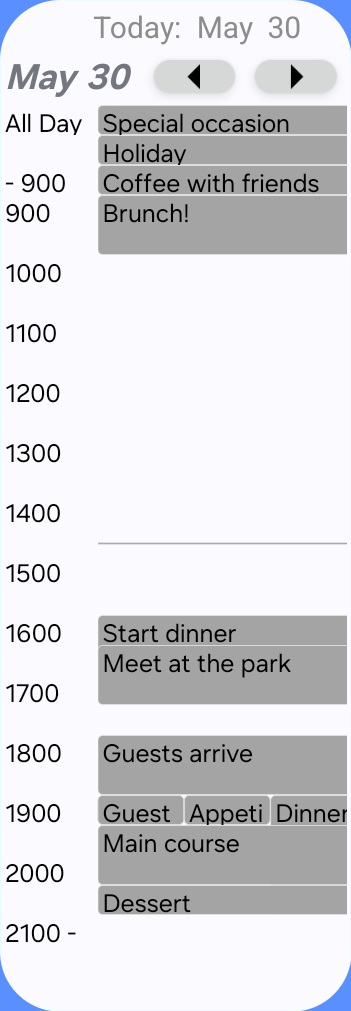
When meetings overlap you can either see a conflict warning or see all the meetings at that time.
Pick Your Compromises
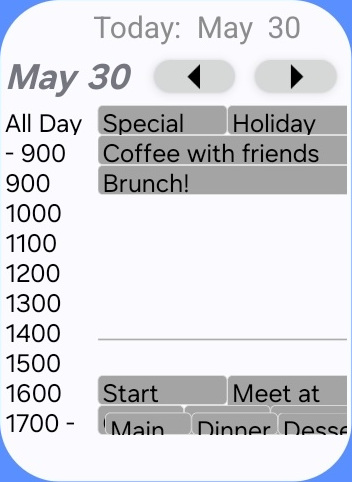
When you have a compact view, your desired time range may not fit in full hourly detail. You can choose whether to keep the start time or the end time.
EULA
End User License Agreement